
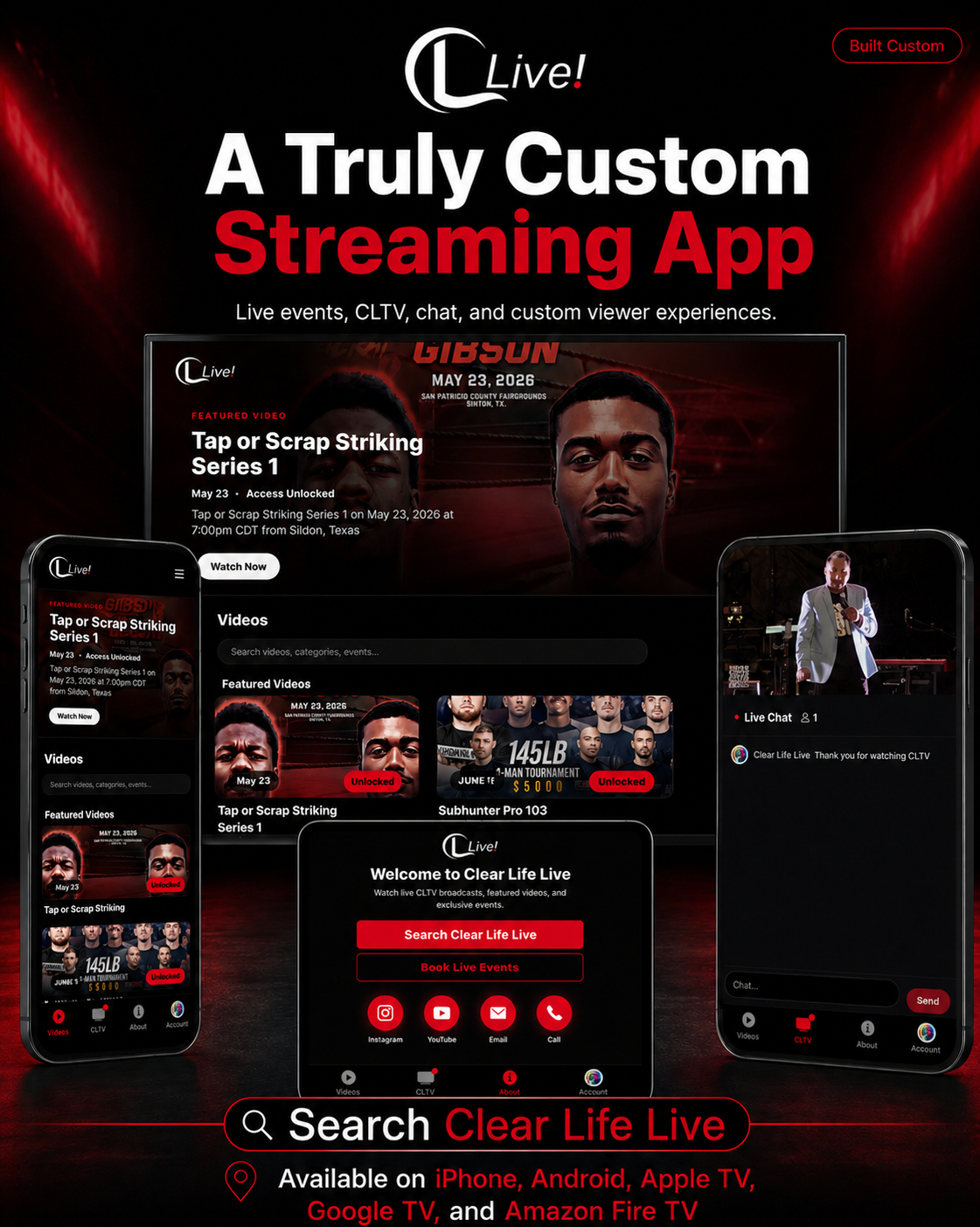
Watch only on the Clear Life Live App
How to Watch on the Clear Life Live App
Available on Mobile and TV
Mobile (iOS and Android)
Open the App Store (iPhone/iPad) or Google Play Store (Android).
In the store’s search bar, type: Clear Life Live
Select the Clear Life Live app from the results.
Tap Install or Get, then open the app after installation.
Sign in with your Clear Life account or create a new account.
Browse Live Events or On-Demand to start watching Fury Fighting Championships content.
TV (Smart TV, streaming devices)
On your Smart TV or streaming device (Apple TV, Amazon Fire TV, Android TV, etc.), open the device’s app store.
Use the search function and enter: Clear Life Live
Find and install the Clear Life Live app.
Launch the app and sign in with your Clear Life App account credentials.
Navigate to Live Events or On-Demand to watch.
Tips
Ensure your device’s operating system is up to date for the best performance.
For the best streaming quality, connect to a high-speed Wi‑Fi network.
If you experience playback issues, restart the app or device, and check your internet connection.
For account or billing help, contact Clear Life support through the app’s Help or Settings menu.